


Hero Video

You can use a video hero on your website homepage instead of a standard hero with a still image.
1. Place the mp4 file for your video in your site's media folder. Publish the file.
Here are the video specs that have worked for us: H264 1280x720 Bitrate (Mbps) - around 6.5 File size 20-25MB max. Pick the bitrate that gives that final file size. That depends on the complexity of the shots, motion etc., so the bitrate may end up sliding a bit either way.
2. On the page where you want the video to be, click the 'Hero' button at the top left.
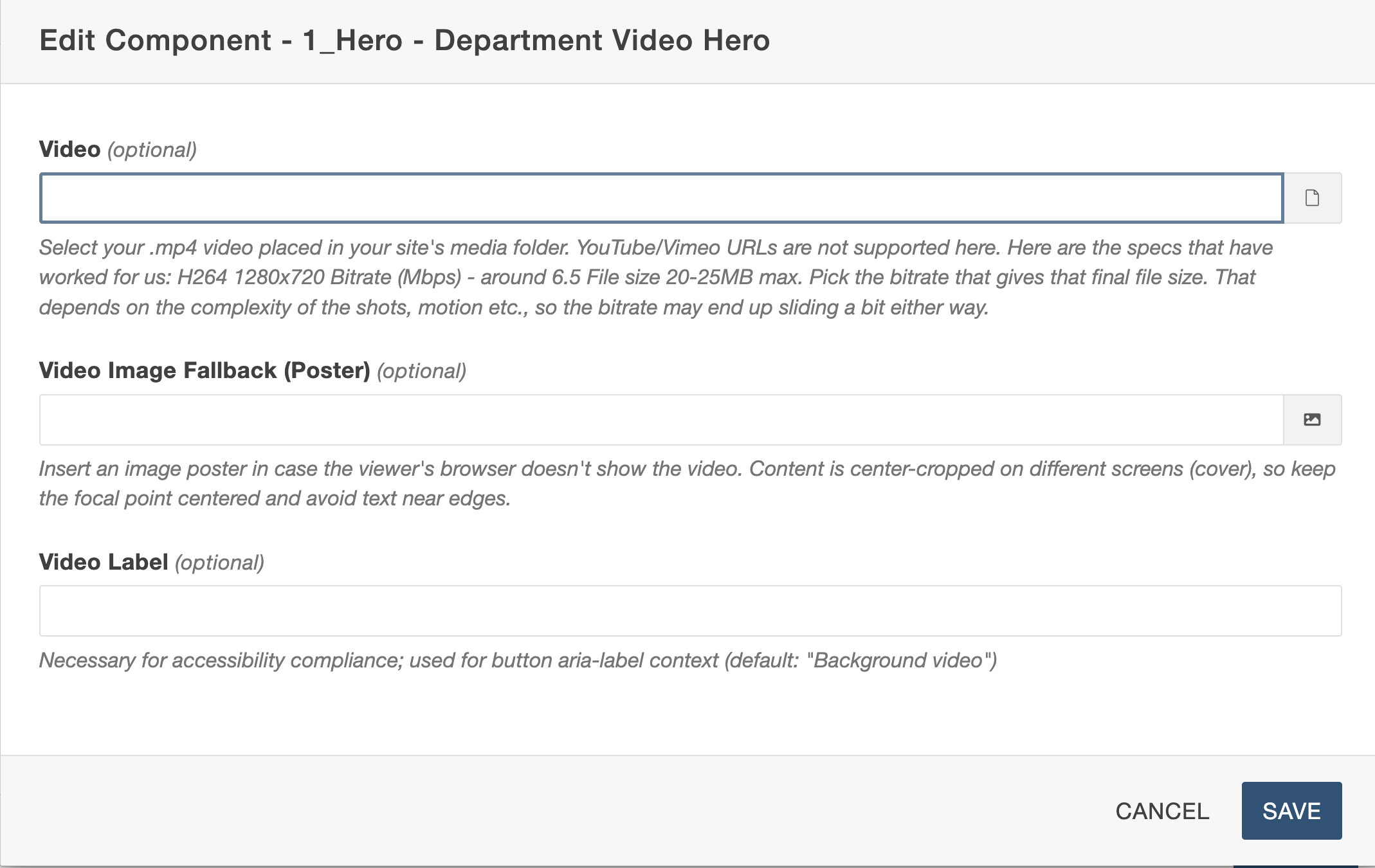 3. Select the component '1_Hero- Department Video Hero'
4. Fill out the fields in the component:
- Select the video file
- Select a placeholder image to use in case there are problems with the video playing. This could be a screengrab from the video.
- Provide a label for the video.
5. Save and publish the page.