


DESIGN ASSETS
Questions? Please contact Karen Leibowitz, Art Director, Marketing and Communications: Karen.Leibowitz@stonybrook.edu
TABLE OF CONTENTS:
- Graphic Elements
- Mantra and Be Like Wolfie
- Stationery
- Presentations
- Marketing Templates
- Marketing Assets
- Presentation Signage
- Zoom Backgrounds
- Nameplate Templates
Graphic Elements


Mantra and Be Like Wolfie
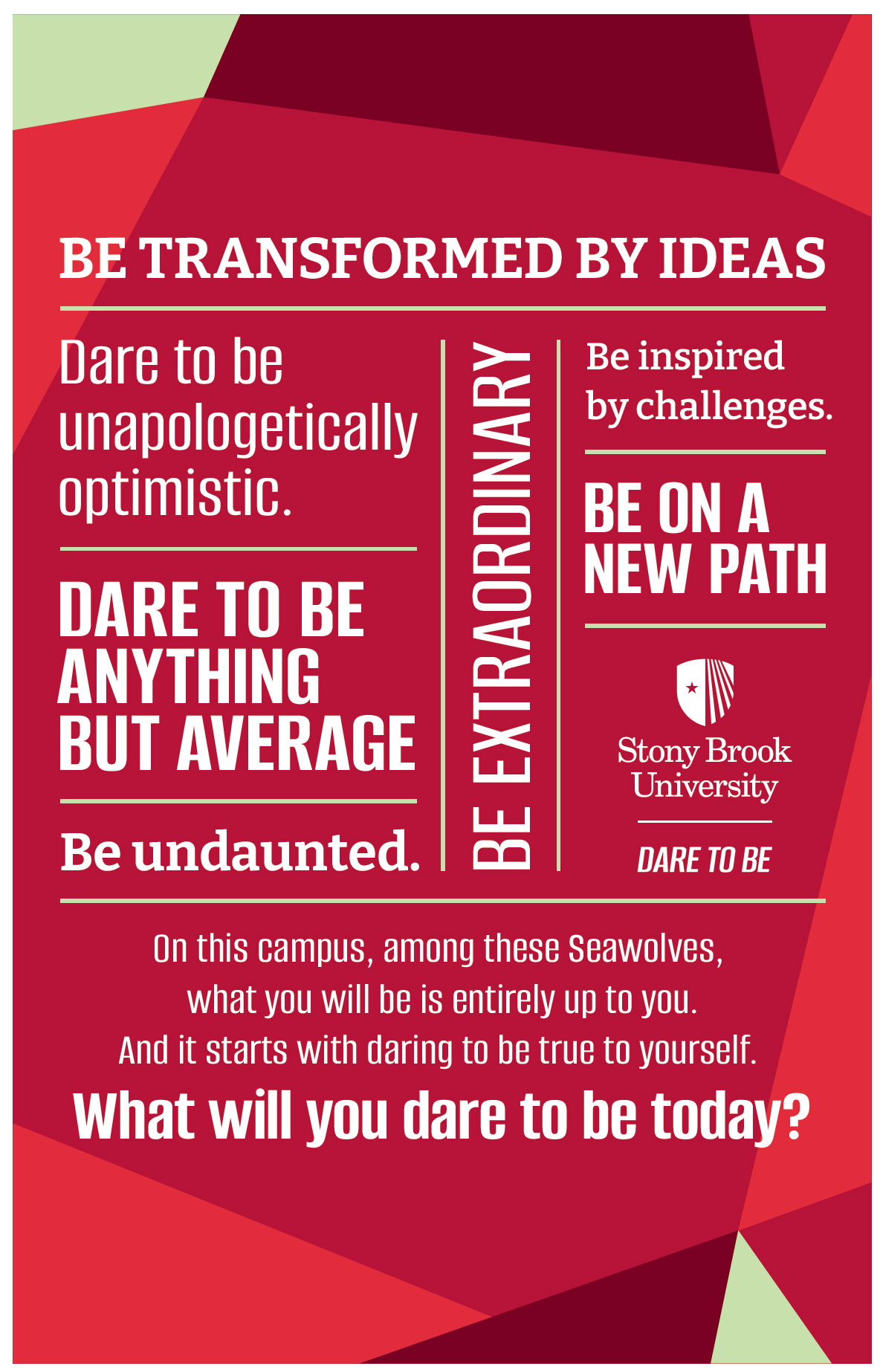
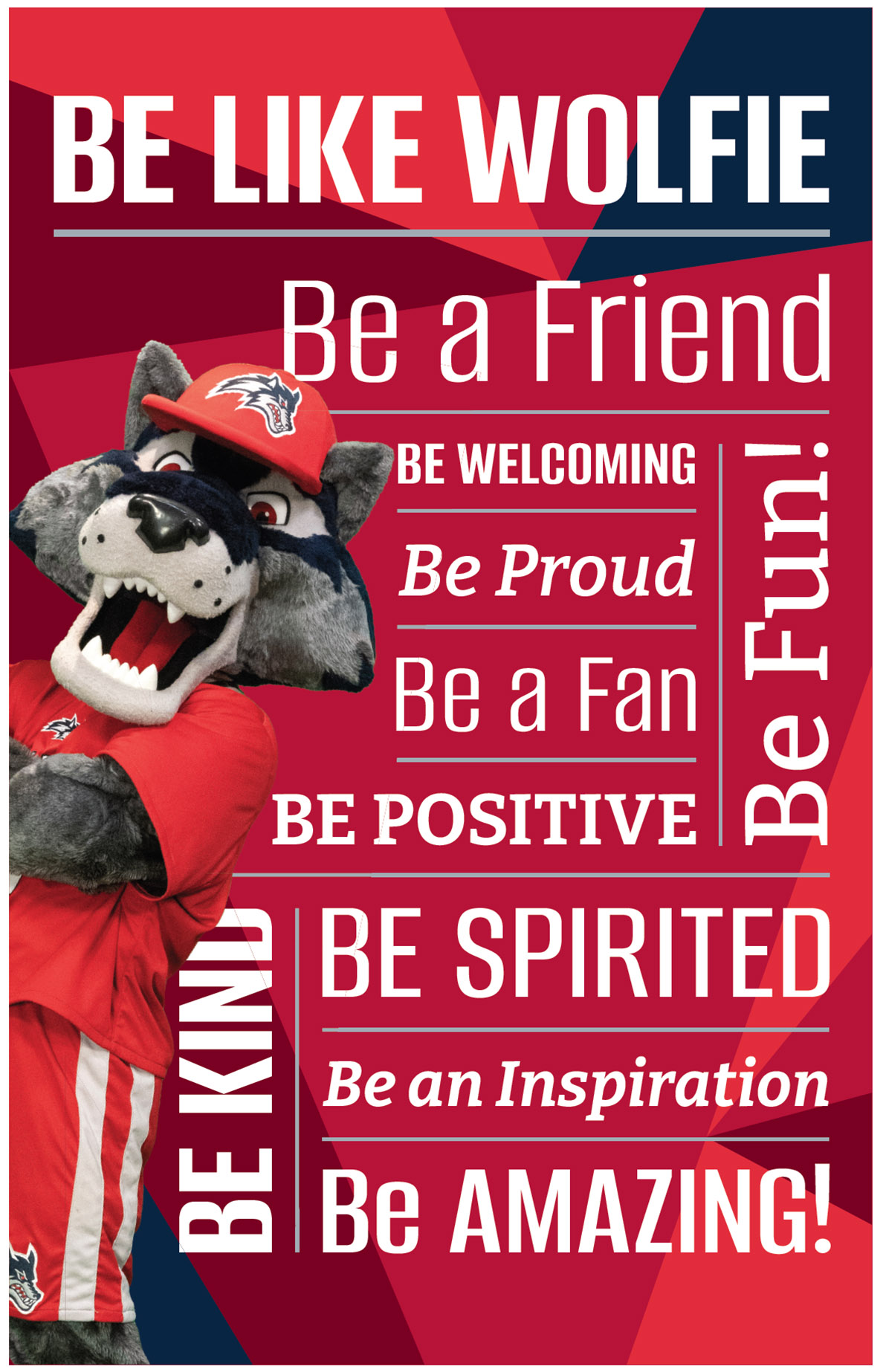
Dare to show your Seawolf Spirit! Download these branded posters and postcards, available as PDFs.
Our mantra is available in both postcard (2-up on 8.5x11) and poster (11x17) sizes.
Download Mantra Postcard or Poster
Be Like Wolfie is available in both postcard (2-up on 8.5x11) and poster (11x17) sizes.
Download Be Like Wolfie Postcard or Poster
Stationery
Ordering Stationery
University stationery may be ordered through the Procurement Department by use of requisition forms available online.
Digital Letterhead
Active faculty and staff may download the University Digital Letterhead for their department.
Download the University Digital Letterhead
Notes and Guidance
By University policy, the use of University stationery is limited strictly to official University business. Using the stationery to conduct personal or non-agency business is prohibited. Marking the stationery “Personal and Unofficial” is unacceptable. University employees must exercise care to separate their official and personal activities in order to avoid potential conflicts of interest as well as the appearance of such conflicts.
Further Information
Questions about stationery should be directed to Karen Leibowitz, Art Director, Office of Marketing and Communications, Karen.Leibowitz@stonybrook.edu.
Presentation Template
The branded PowerPoint template is designed for both offline and collaborative use. You can download and edit it in PowerPoint or download it first and then upload it to Google Drive, where brand fonts will load automatically. If working offline, be sure that our brand fonts (free Google fonts) are installed on both your computer and the device used for presenting.
The template is built to be accessible. Please follow the instructions in the appendix and check accessibility after adding your content. After customizing your slides, be sure to run an accessibility check and remediate as needed.
Download the PowerPoint Template
Marketing Templates
Coming soon, we will be launching a new template system that will make it easier to create branded materials. In the meantime, we can support your department in the following ways, based on the tools you have available:
If you use Adobe InDesign:
- Browse the PDF Archive in the SB Asset Portal.
- If you find a design you like (poster, flyer, postcard, email header, etc.), we can provide the packaged InDesign file for you to customize.
- This is the most flexible option for users familiar with InDesign.
If you use Canva:
- We can share Canva templates we've already created.
- If we don't have a template that meets your needs, we can help you get set up to create your own templates.
- While we can't share our Canva Brand Kit directly, we can help you set up your own using our brand fonts, colors, and logos.
- You can then download a layout from the PDF Archive in the SB Asset Portal, upload it to Canva, and use it as a starting point.
- To do this, you'll need to add our free Google brand fonts to your Canva account.
- If you need layout adjustments, we can help before you upload the file.
What’s coming next:
- A new template platform is on the way, and once it’s live, we’ll be able to provide broader access and ready-to-use branded templates across campus.
Not sure which option works best for you? Contact Karen Leibowitz or Allison Schwartz with your tools and goals — we're here to help.
Marketing Assets
Colorful brochures, folders and marketing material can help you tell the University’s story to the world.
Coming soon.
Presentation Folders
Stony Brook-branded folders are perfect for organizing presentations, documents or
notes.
Stony Brook Presentation Folders are available for order through Fantastic Graphics.
Please call (631) 753- 4144.
Presentation Signage
Podium Signs
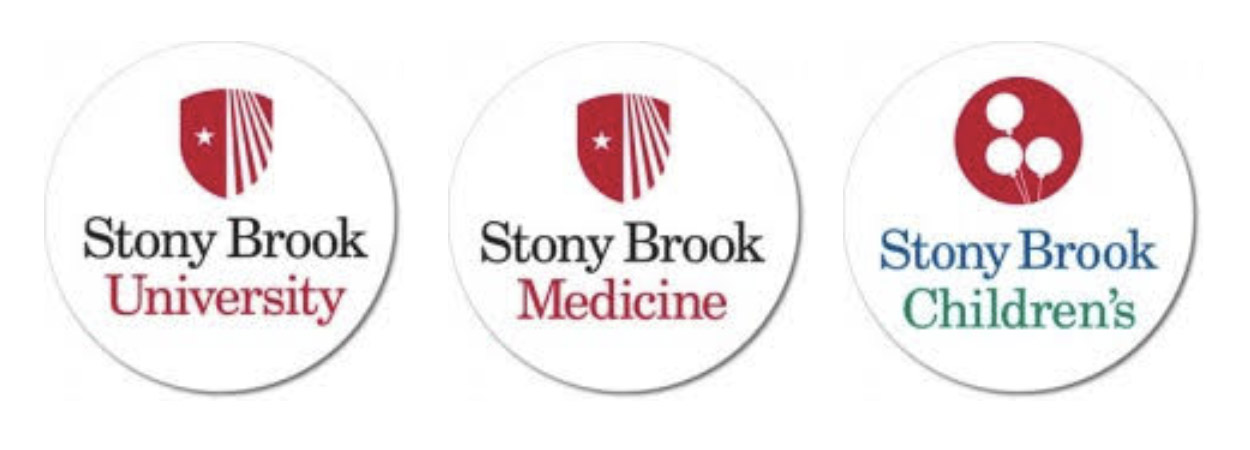
These Stony Brook-branded podium signs may be ordered with Stony Brook University, Stony Brook Medicine or Stony Brook Children’s logos.
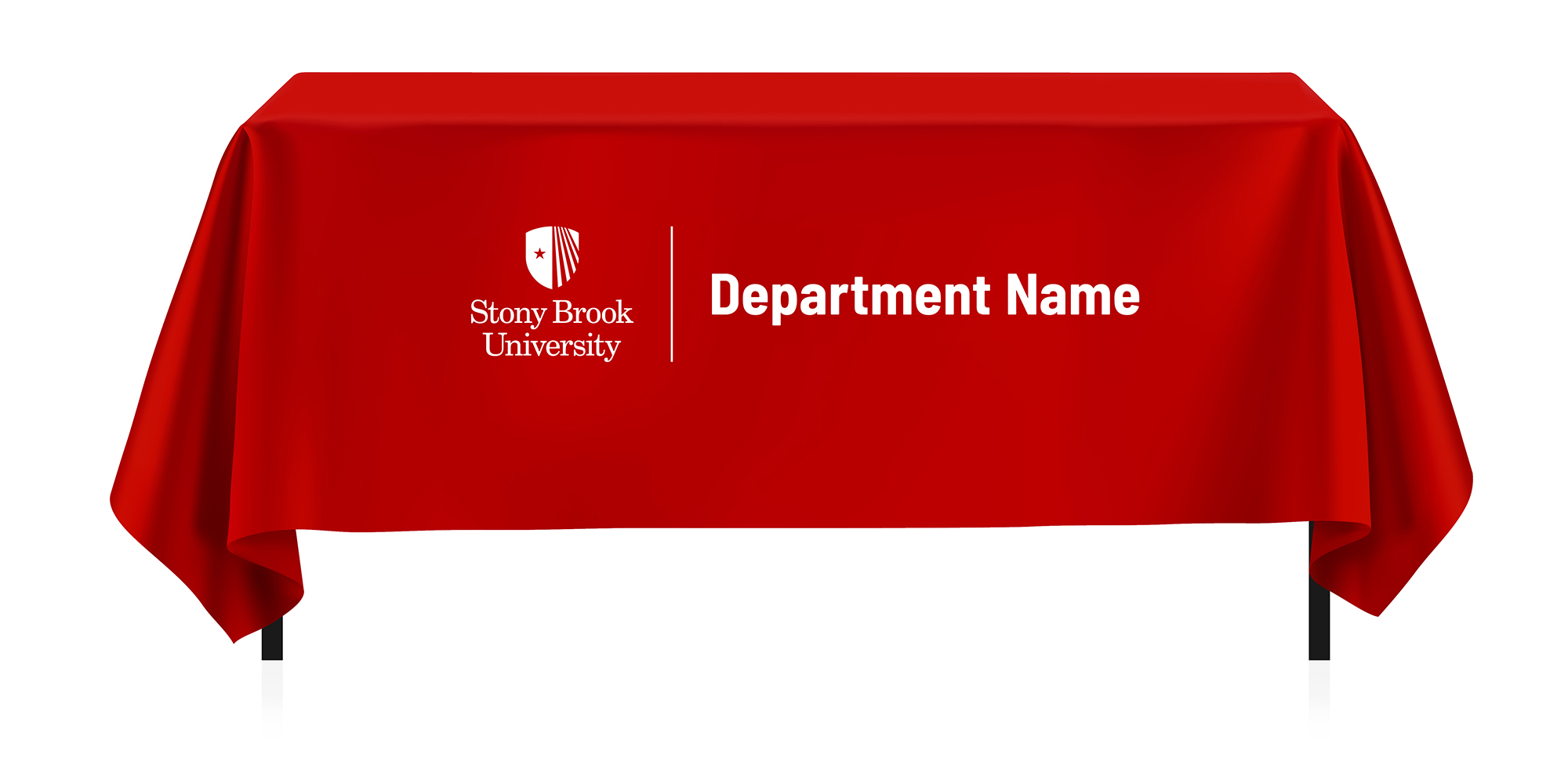
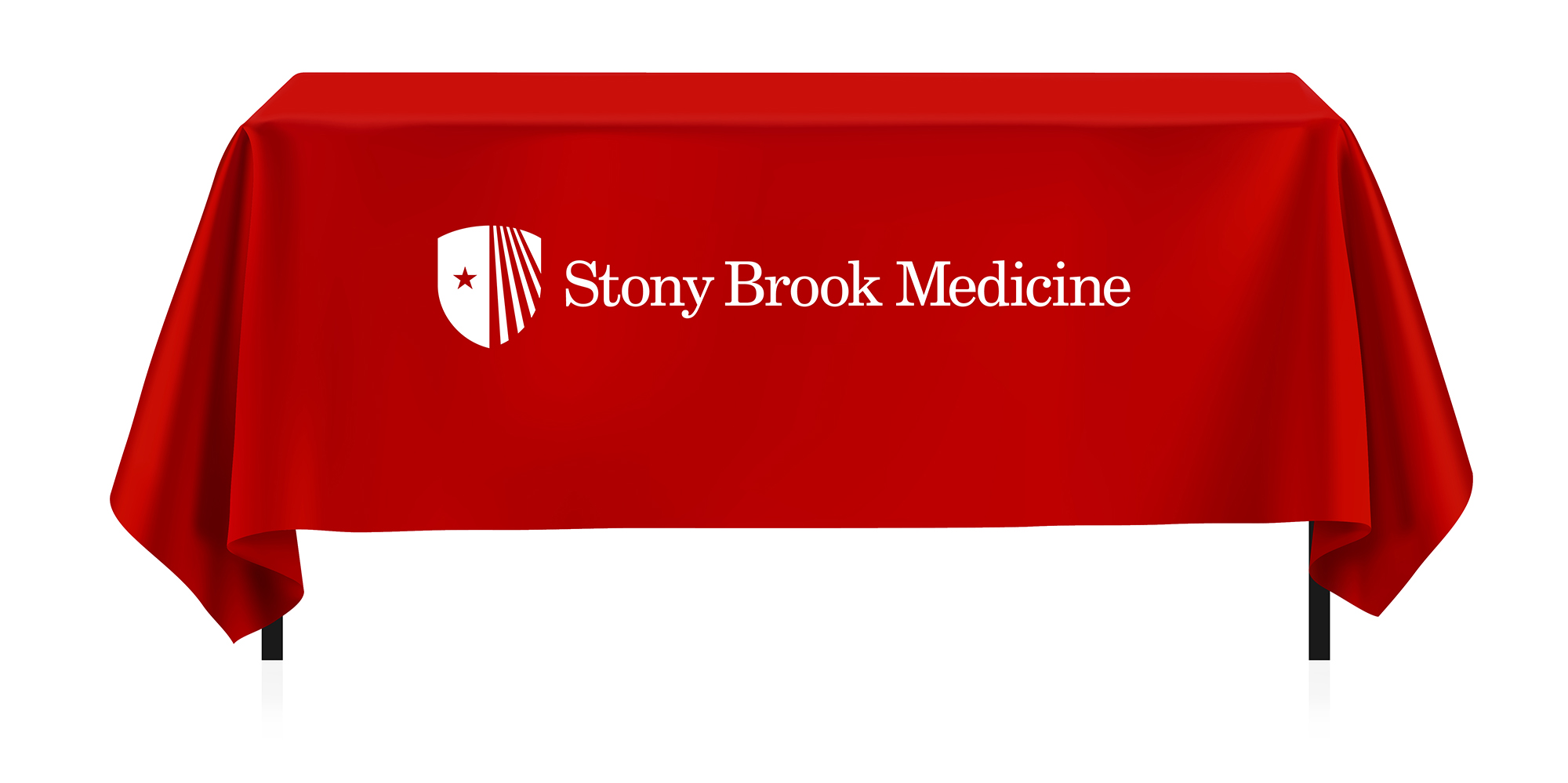
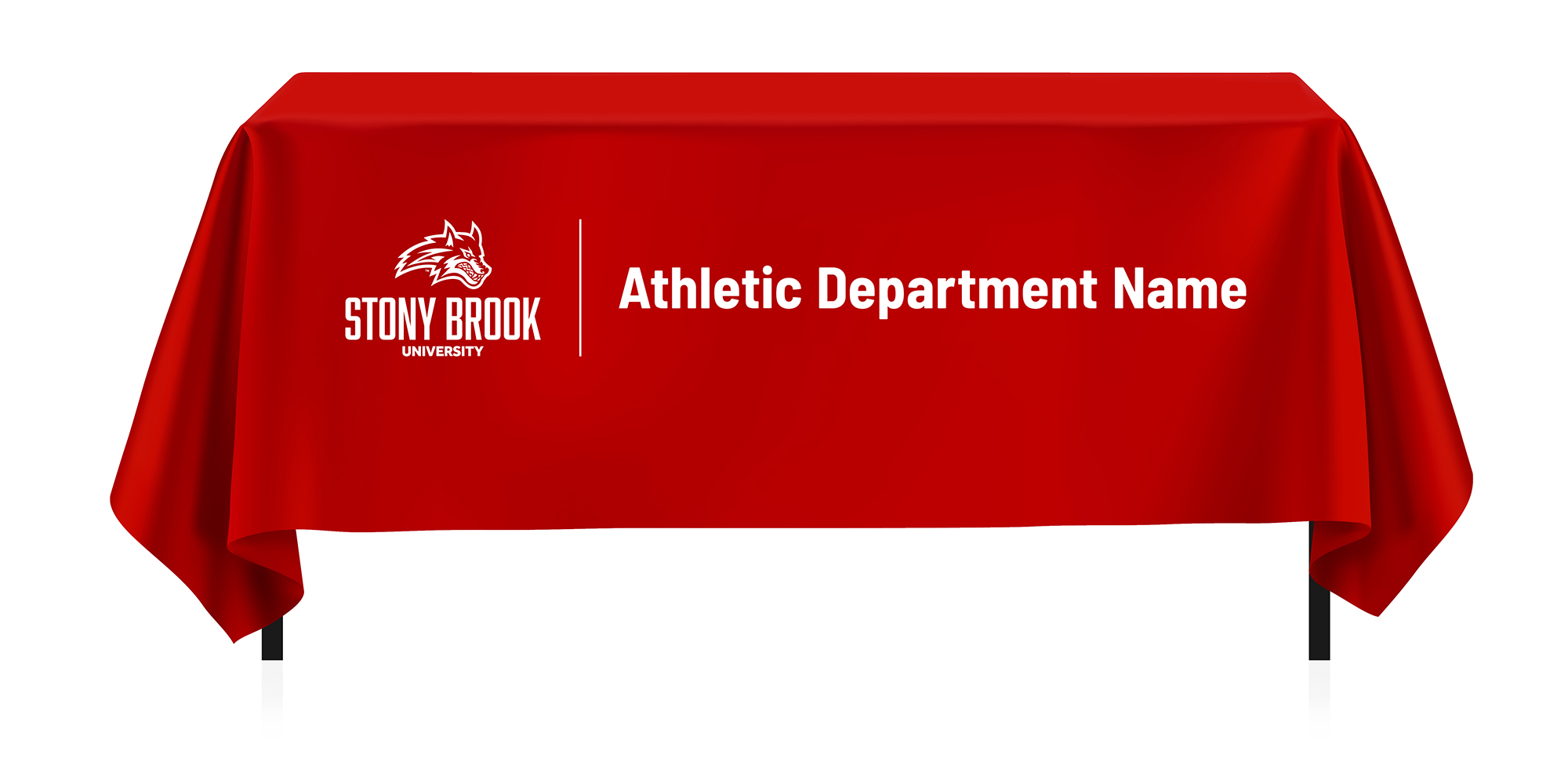
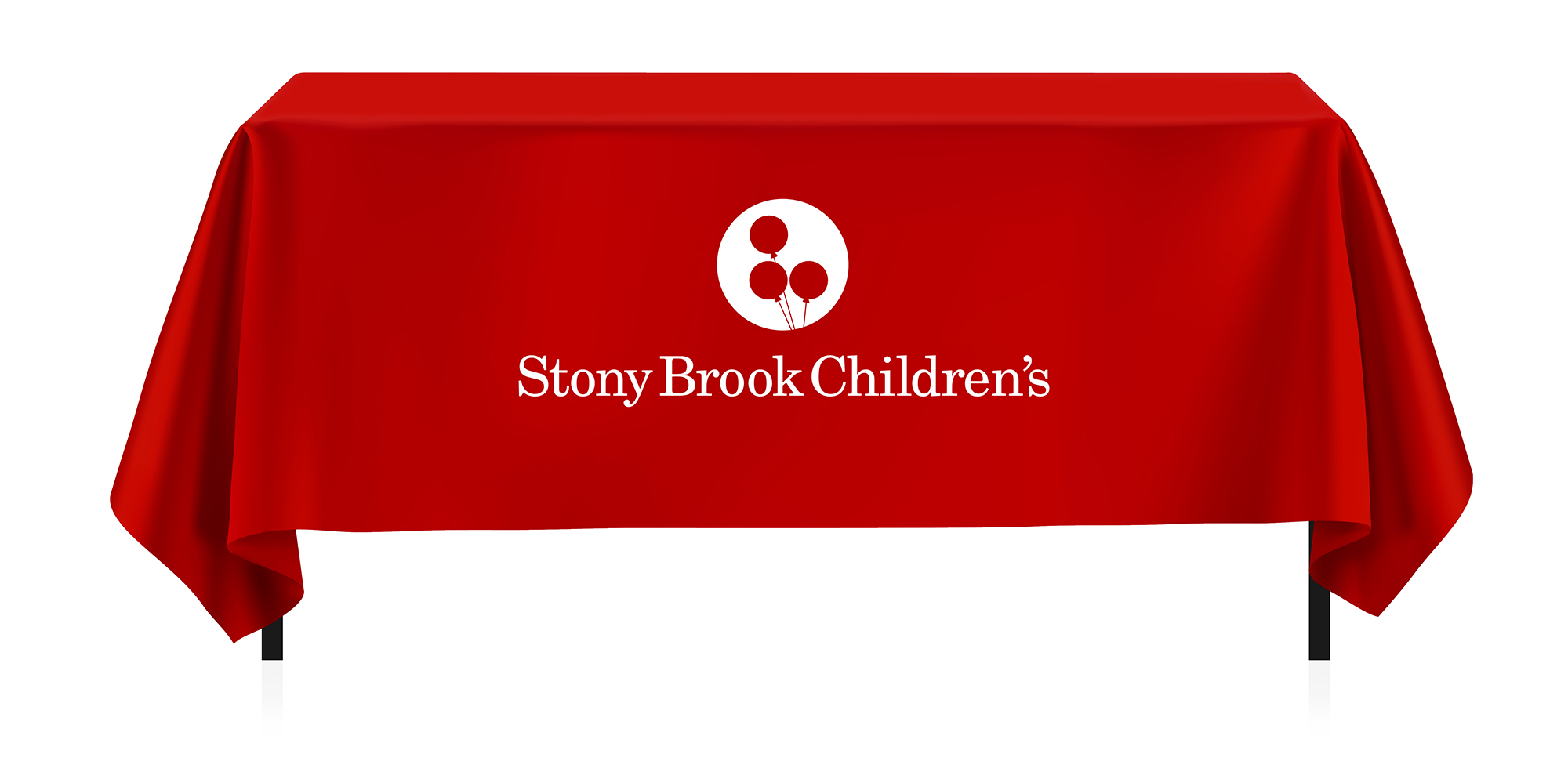
Tablecloths
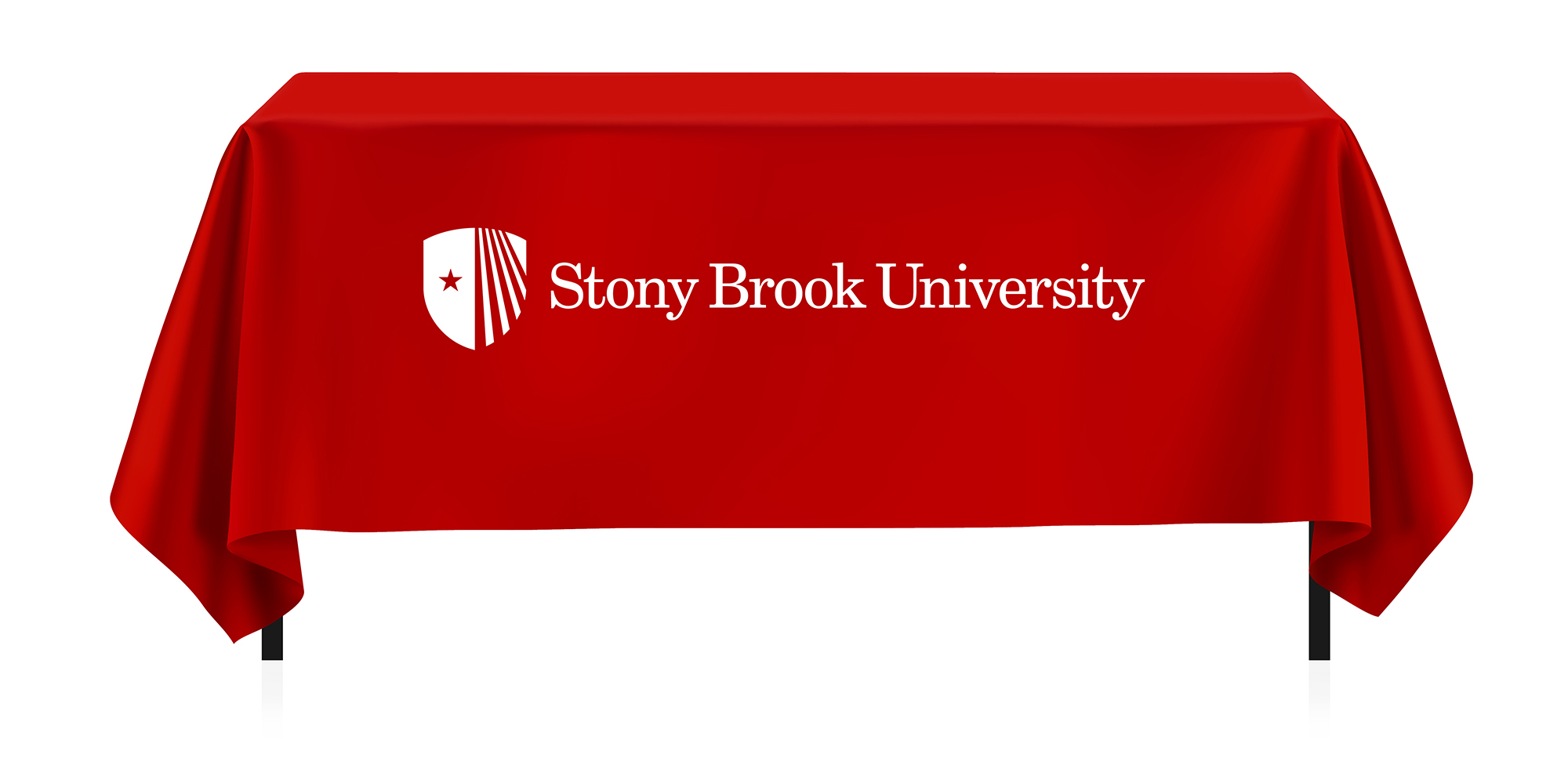
Tablecloths must be ordered in red fabric closest to Stony Brook Red (PMS 187) with a white imprint.
To keep branding consistent, we offer a tablecloth template for your vendor to input your department name. The template offers up to 3 lines of text.
Please note: The Wolfie option is reserved only for Athletics areas.
For further information or assistance, please contact Jaime Woll at Jaime.Woll@stonybrook.edu.
Zoom Conferencing Backgrounds
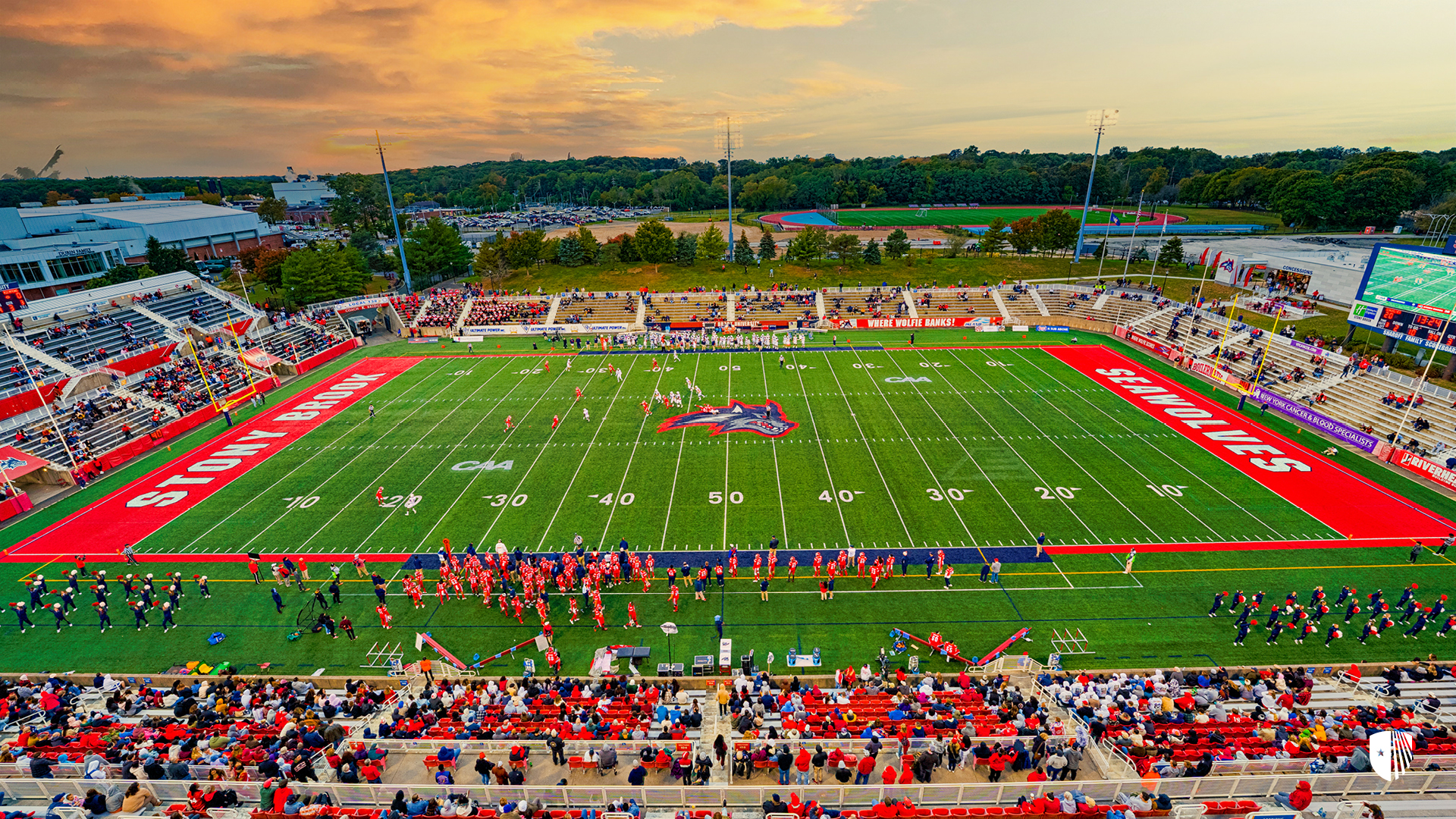
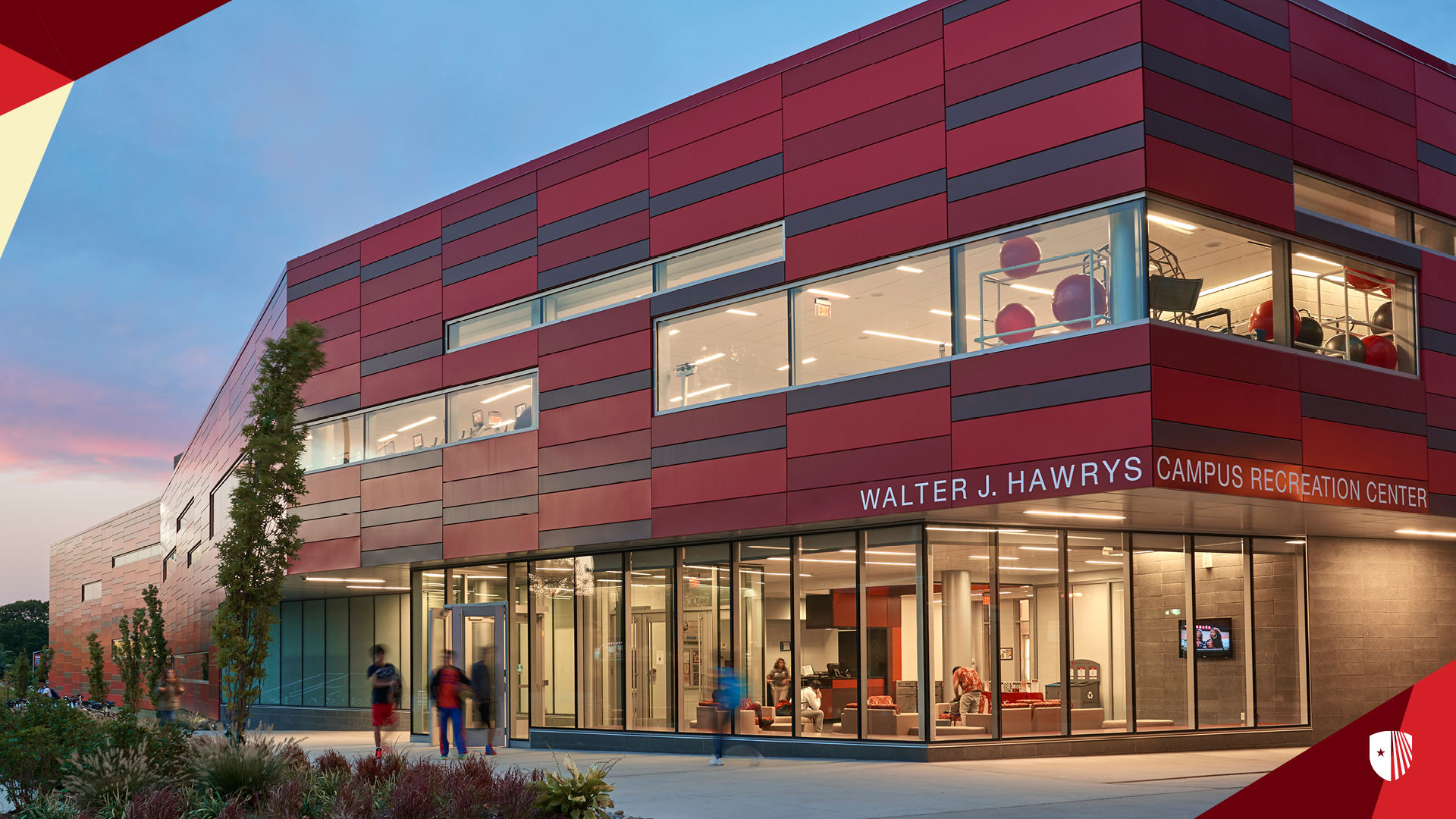
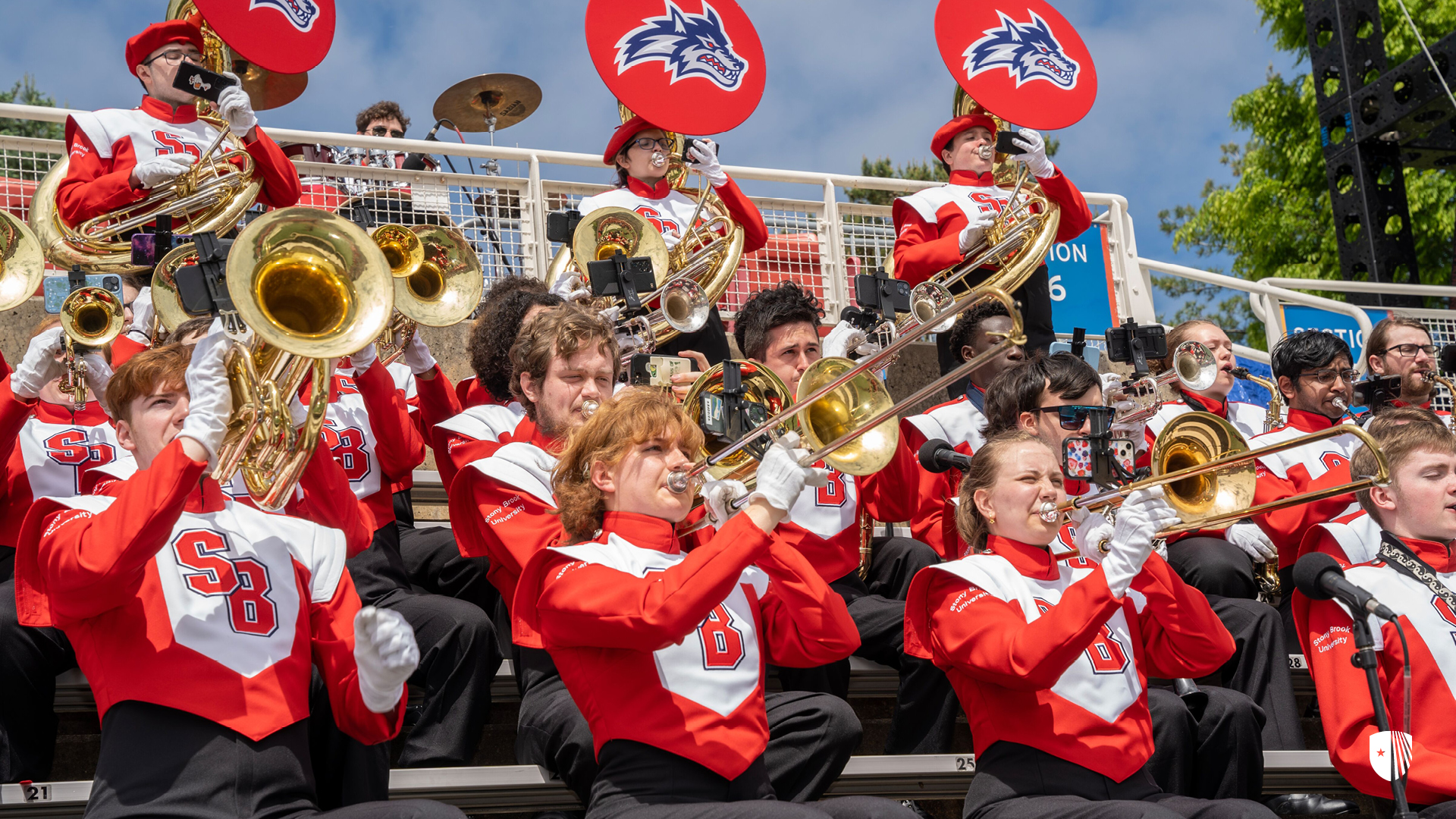
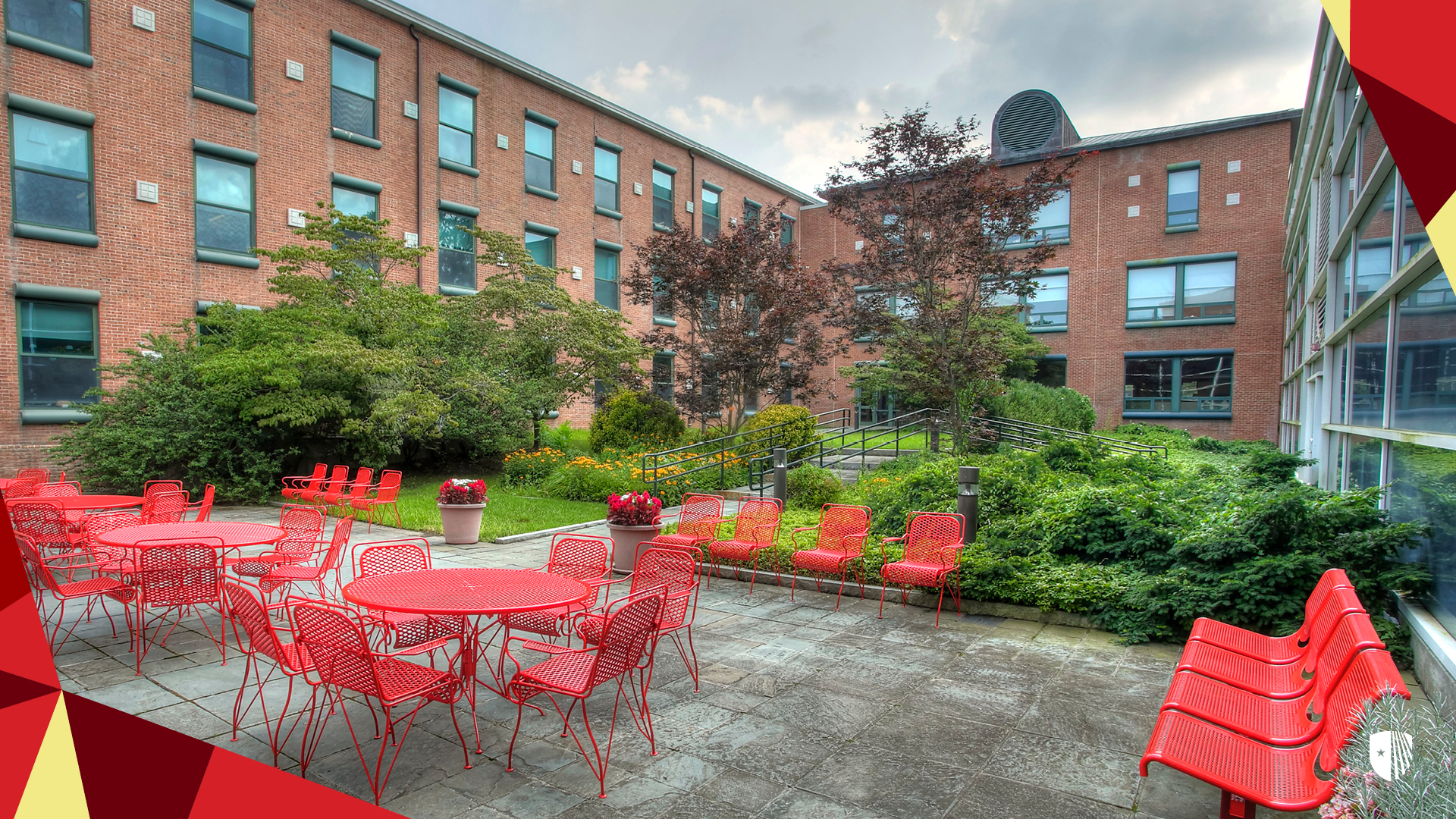
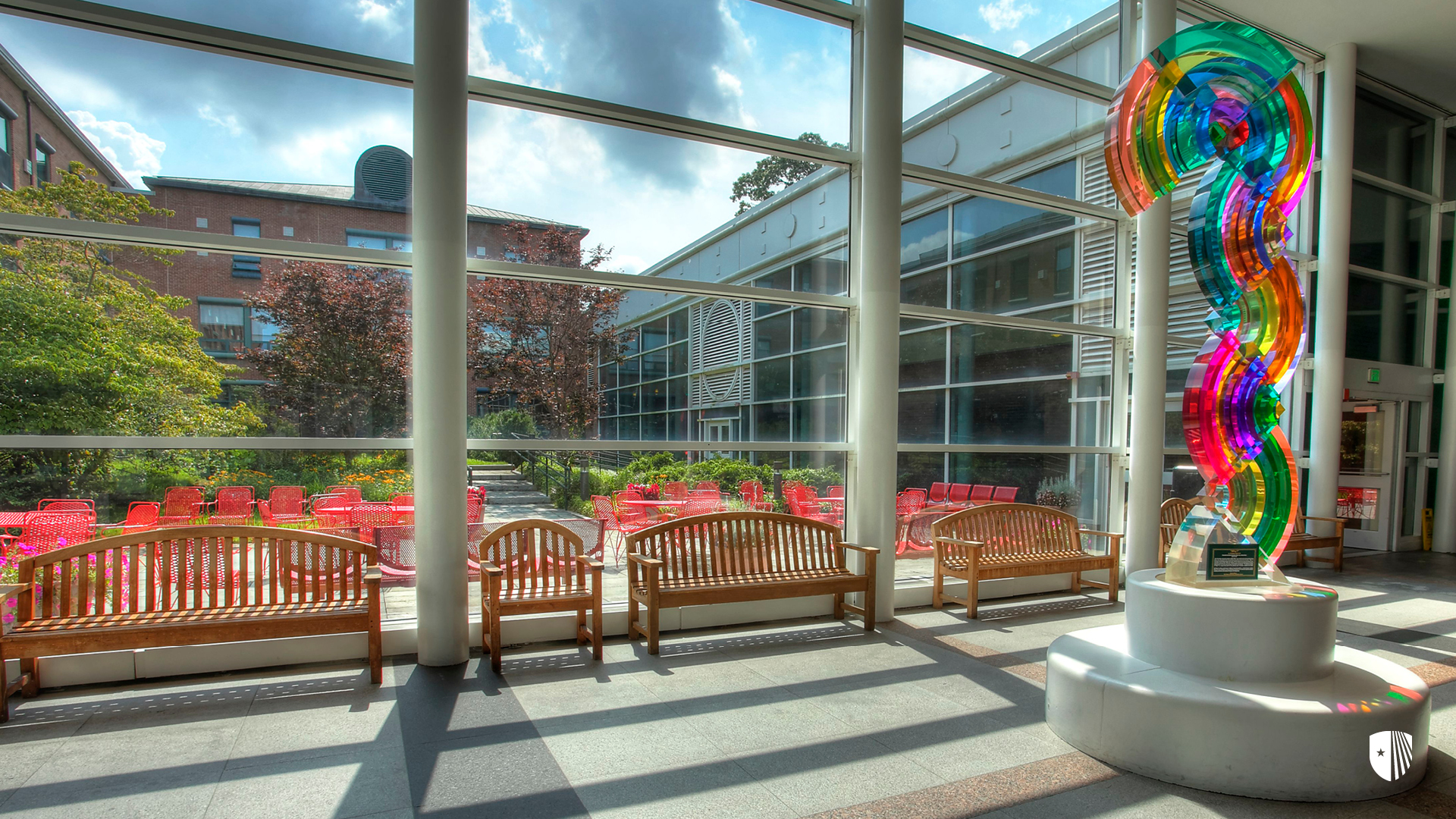
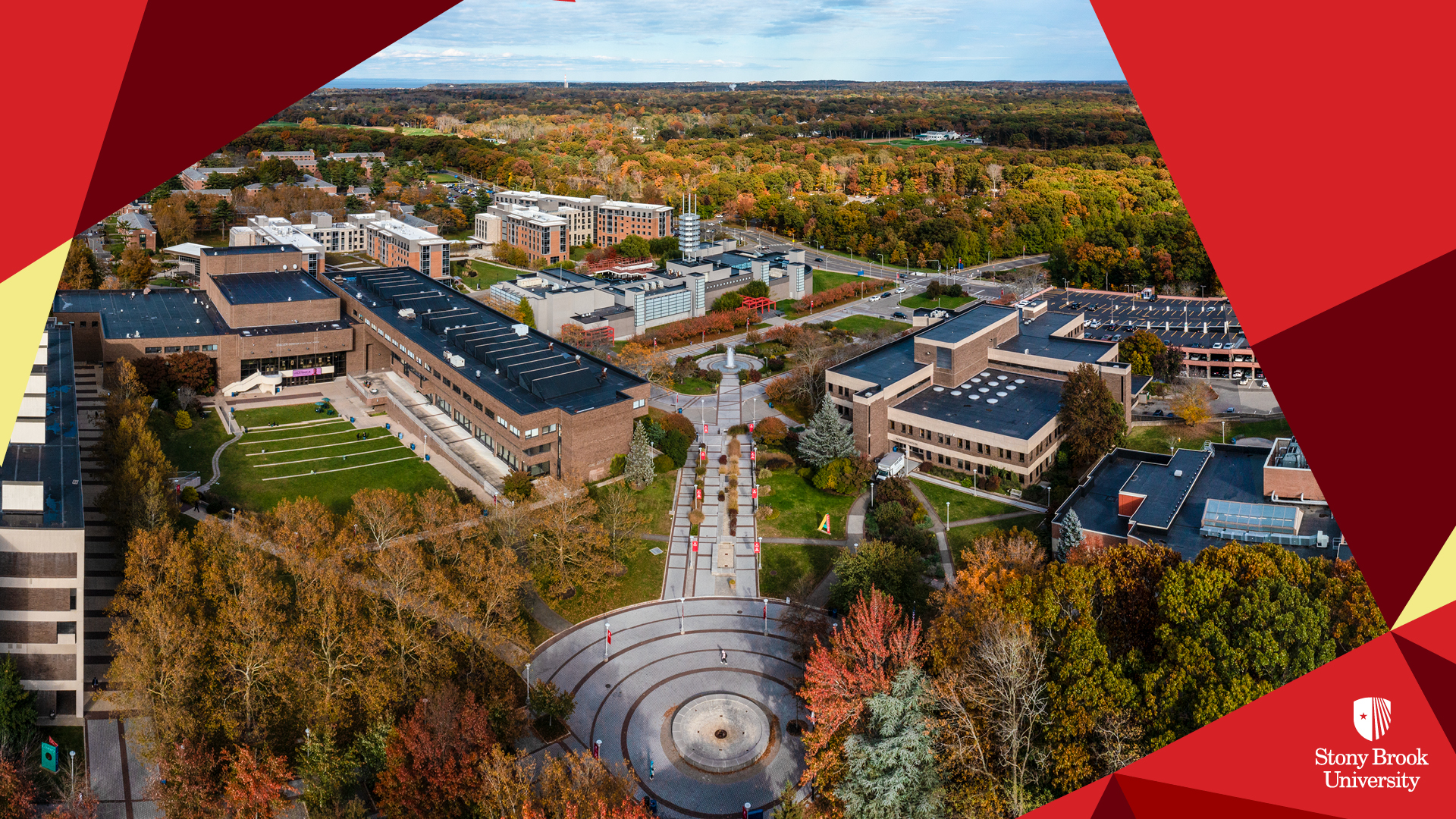
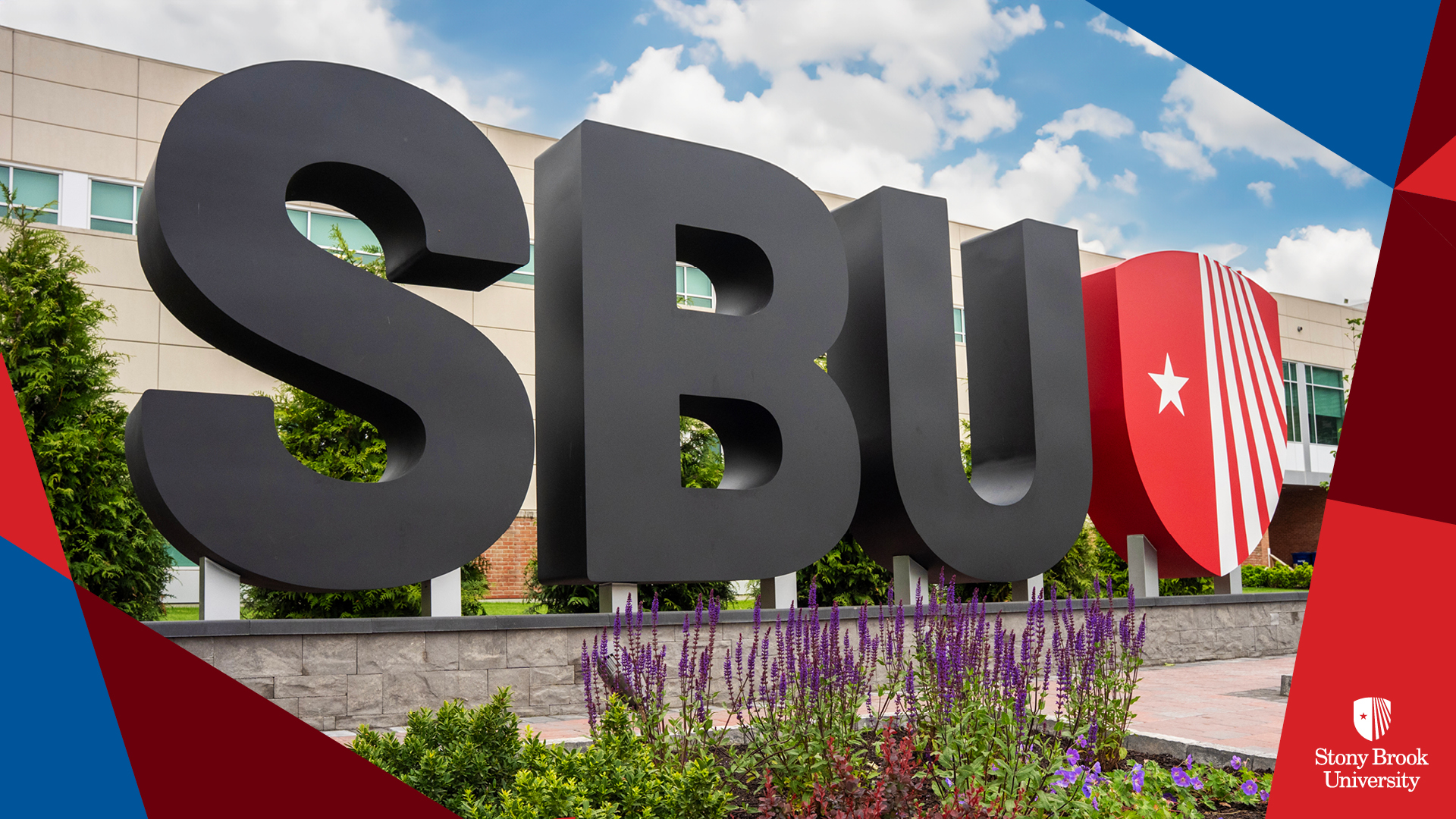
The virtual background feature allows you to display an image as your background during a Zoom Meeting. Choose from these Stony Brook-themed background images. Click any image to enlarge, then right click and choose “save image as”. Follow these instructions to add the background to Zoom.




























Nameplate Templates
Standardized nameplate templates are available for download to support a consistent appearance across campus offices and departments. Templates are formatted for print and aligned with Stony Brook University brand standards.
Notes and Guidance
Use these templates for official University offices and workspaces. Do not alter fonts, colors, or graphic elements. Printing and setup instructions are included with the template files.
Further Information
Questions about nameplate templates should be directed to Cat Dugan, catherine.dugan.1@stonybrook.edu.