Skip Navigation
Search

Dissertation Defense on Zoom
This document by Michael Schrimpf briefs the preparation of remote defense, suggestions and the
settings of a Zoom Meeting.
Julie Sharma, the DoIT staff member, will be helpful for using Zoom's more advanced settings and
features.
(1) Started with full screen.
It's very important to read the instructions carefully before defense starts.

(2) You can exit full screen as well.

(3) Dissertation defense started.

(4) It's on going.
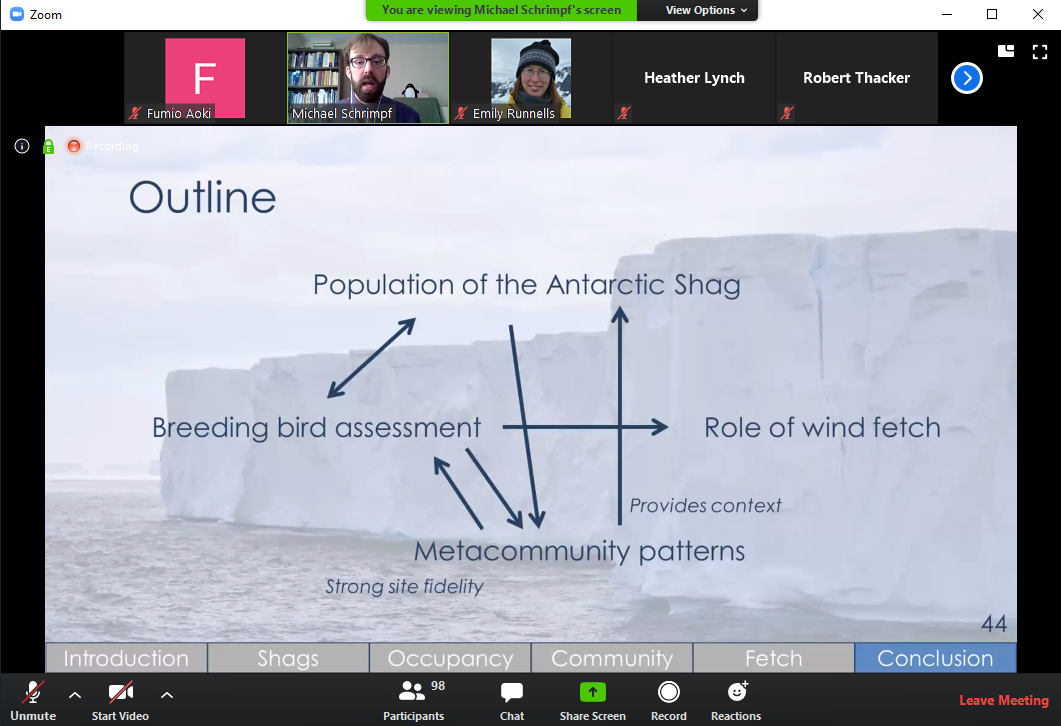
(5) It's ending up.
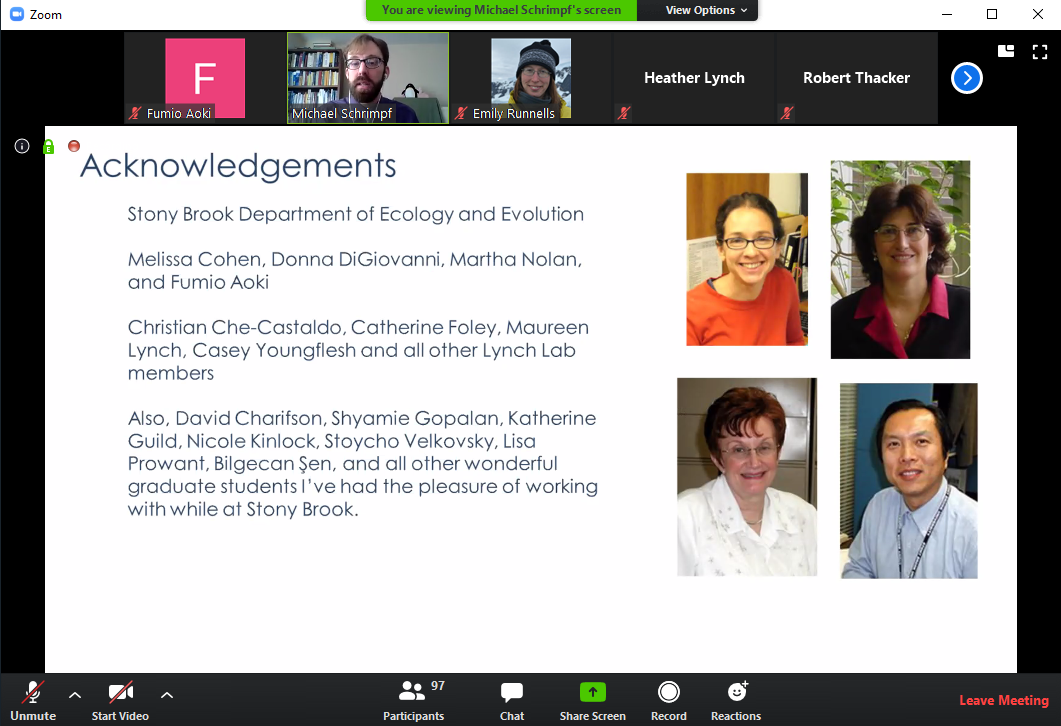
(6) Taking questions (the process is fully controlled by speaker and co-hosts).
It's very important to read the instructions carefully before raising your hand.
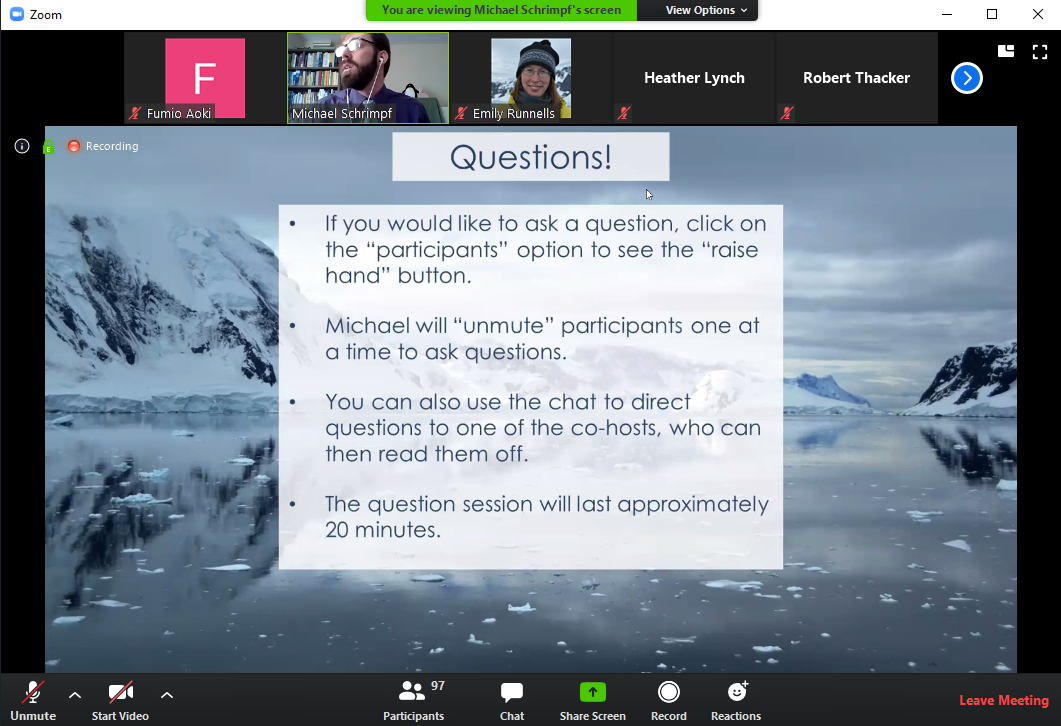
(7) You cannot unmute yourself for asking questions.
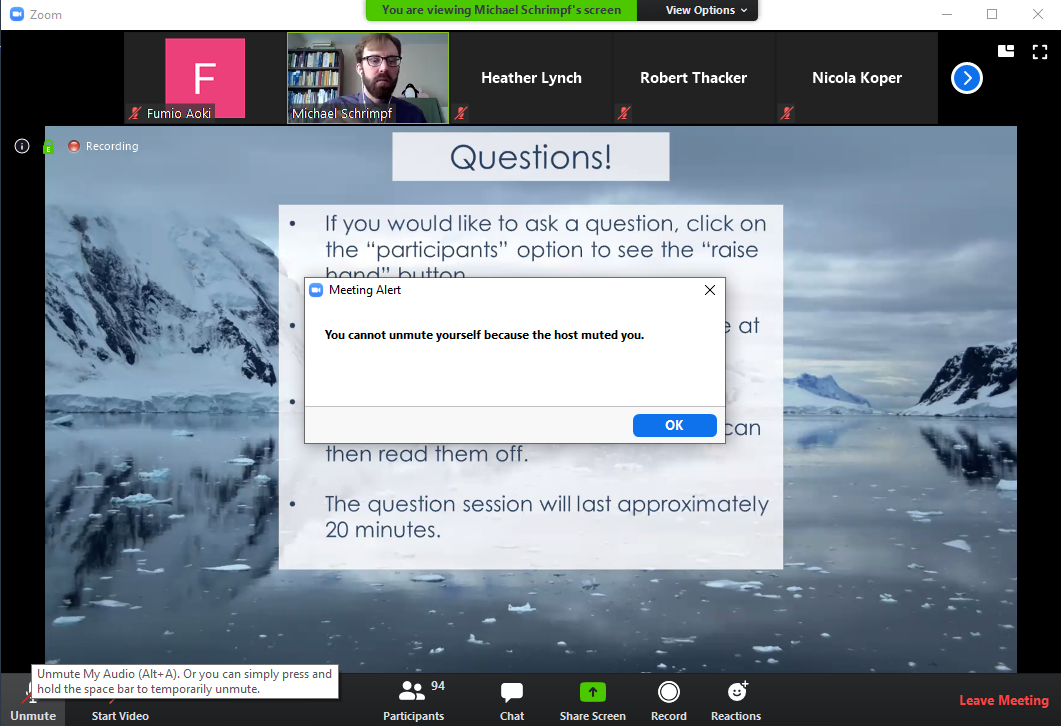
(8) Co-hosts can take your questions by chat and forward to the speaker.
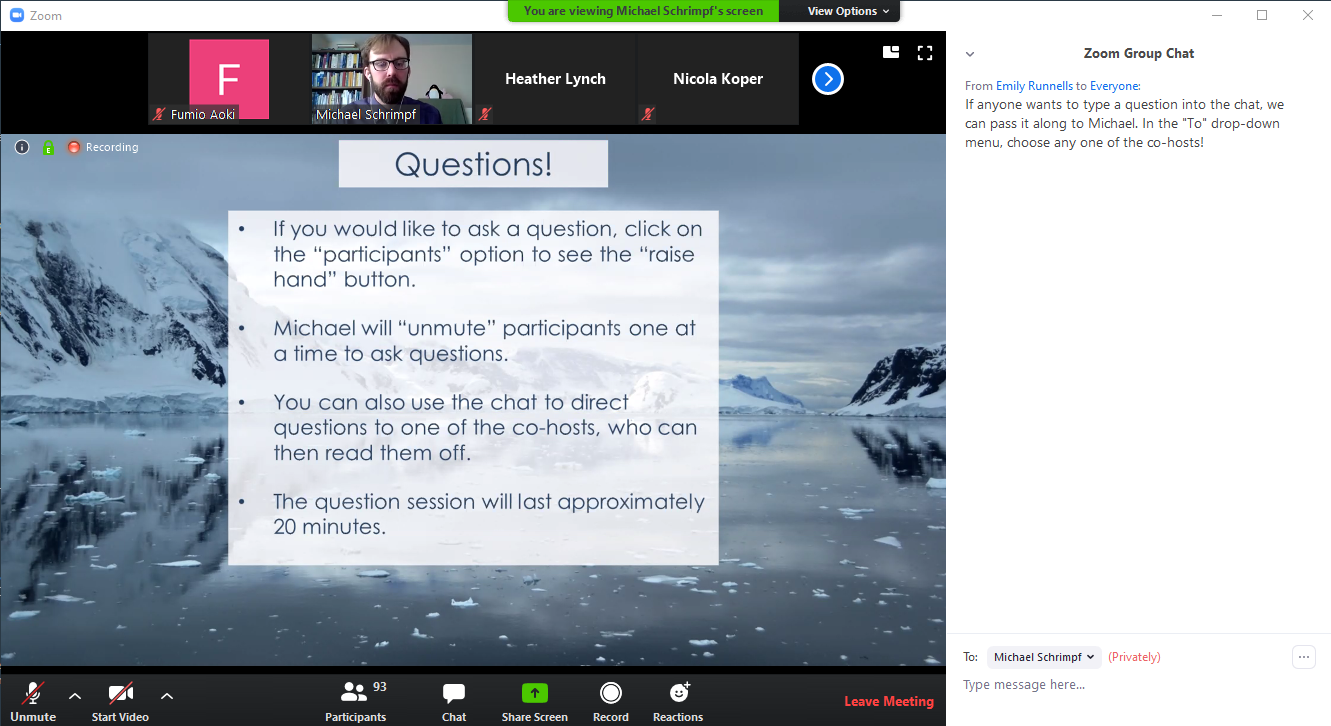
(9) Co-host is forwarding your question.
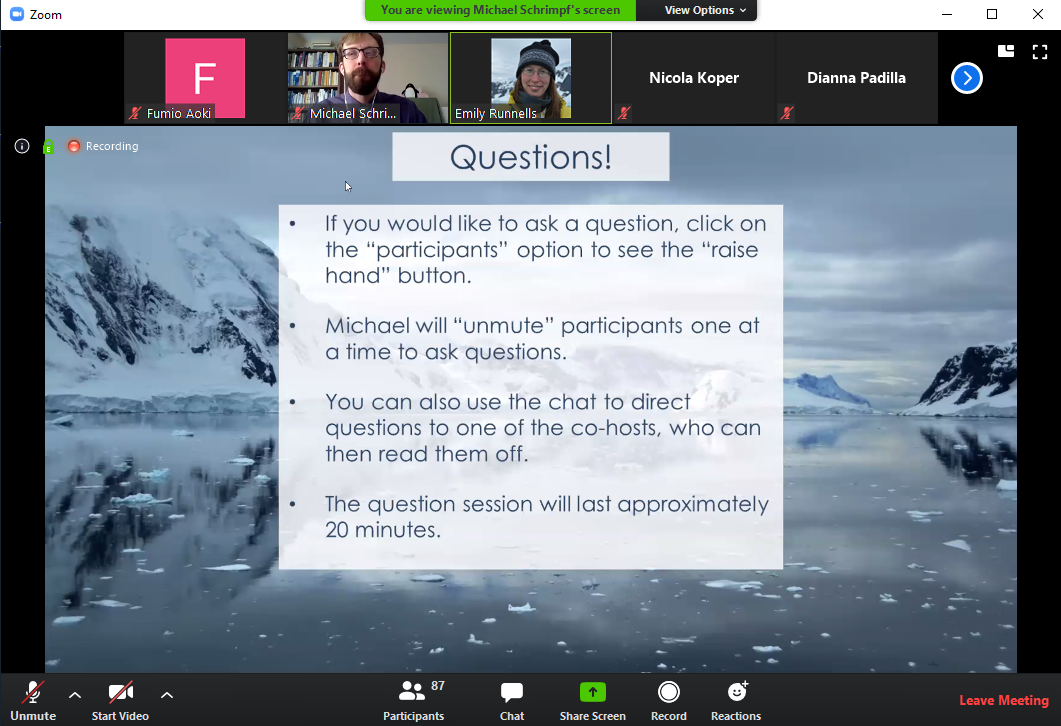
(10) You may setup multiple co-hosts.

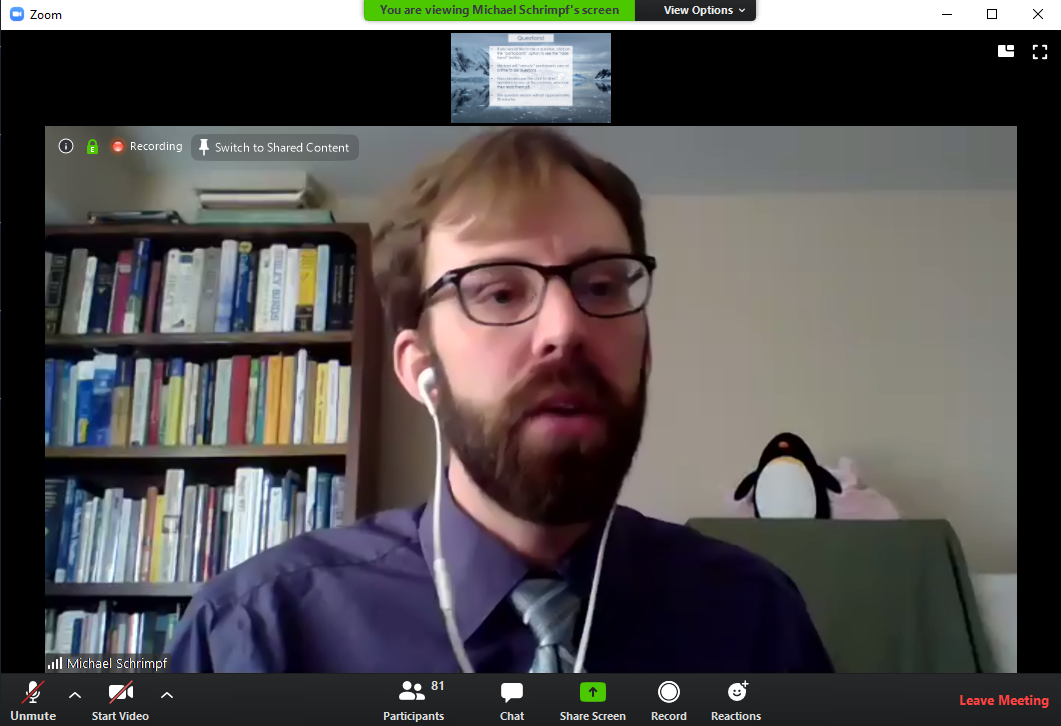
(11) Congratulations!!! (you may swap Shared Content and Camera like this)
***Thank you so much, Michael Schrimpf, for creating the pilot case for the department.***