How to Return Textbook Rentals
Step 1
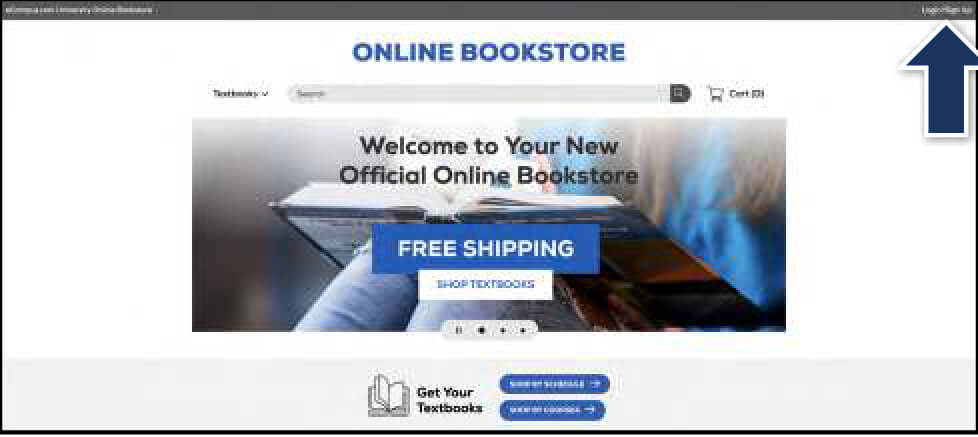
Visit your Online Bookstore and select Login/Sign Up in the upper-right corner.
Step 2
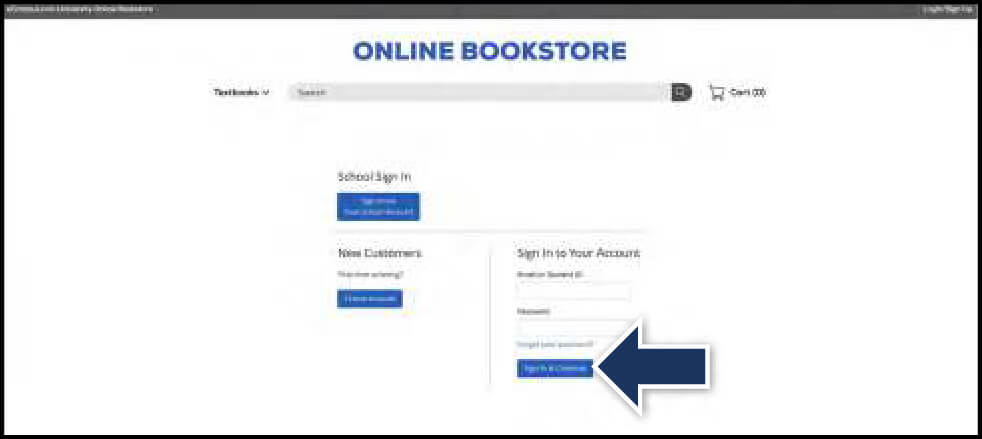
Sign in with the credentials you used when you placed your order.
Step 3
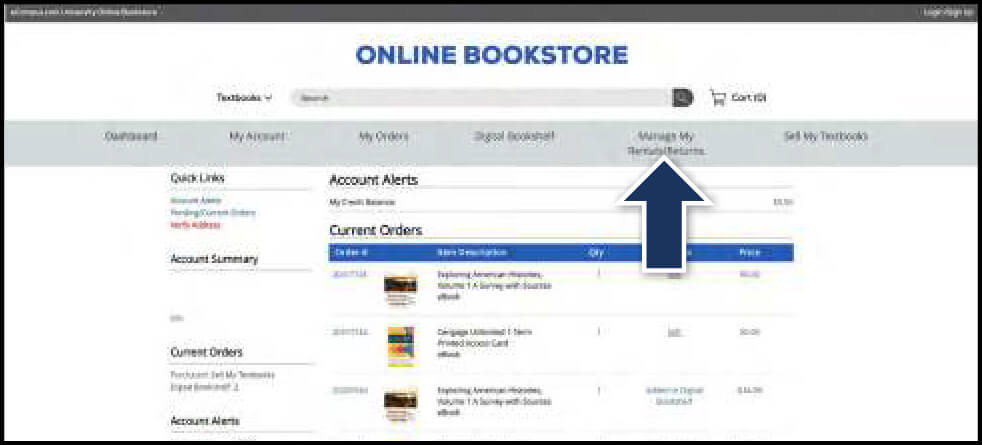
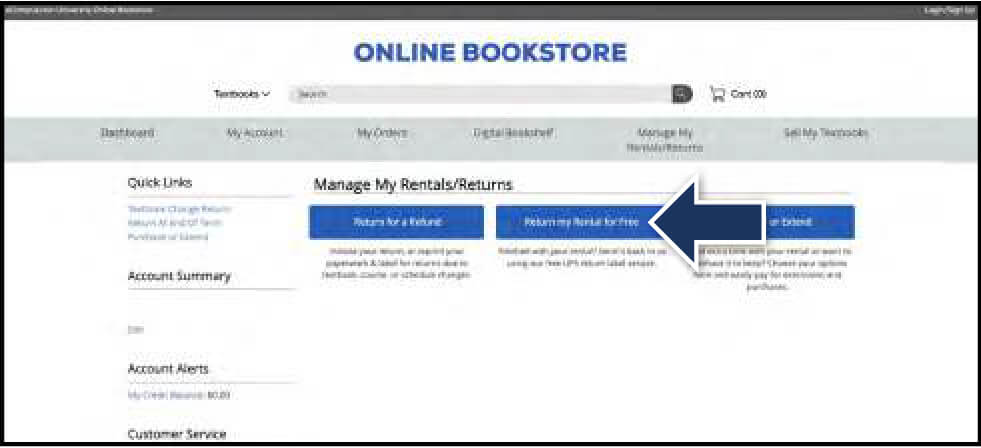
Select Manage My Rentals/Returns from the menu at the top.
Step 4
Select Return My Rentals for Free.
Step 5
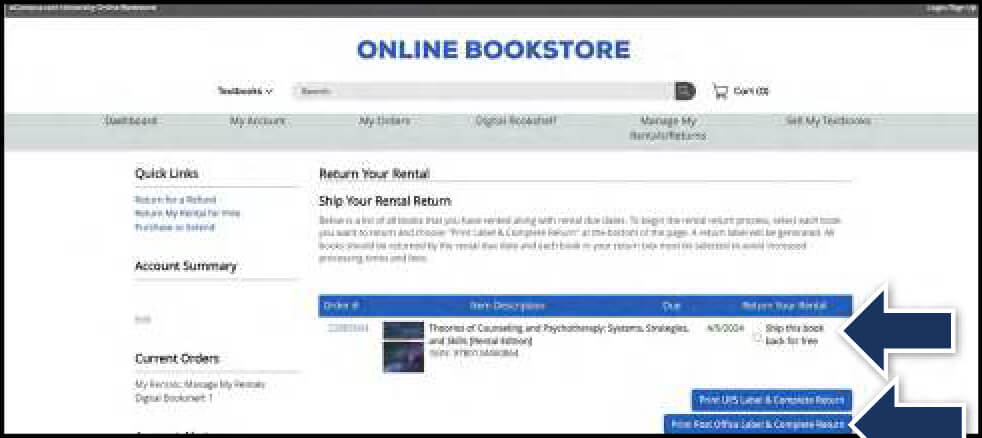
Locate the rental(s) you wish to return and select the Ship this book back for free box. Select Print Label & Complete Return.
Step 6
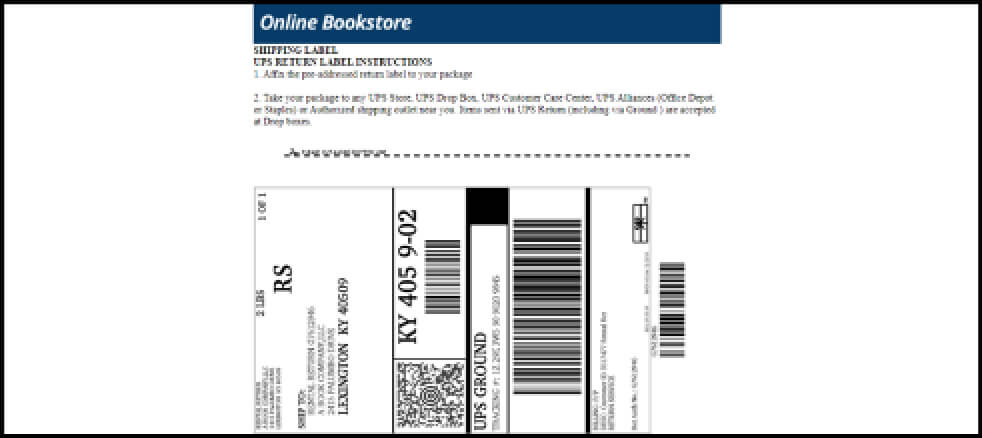
Print your free UPS or post office label and packing slip. Insert the packing slip with the rental(s) you are returning and affix the shipping label to the outside of your package. Take your package to The UPS Store or post office, depending on which label is used.